
Barcode & Label Studio
Generate, assign, and print barcodes and labels for products, orders, or locations. This module supports bulk barcode generation for products that have no barcodes or SKUs, with options to add custom prefixes/suffixes or use sequential numbering.
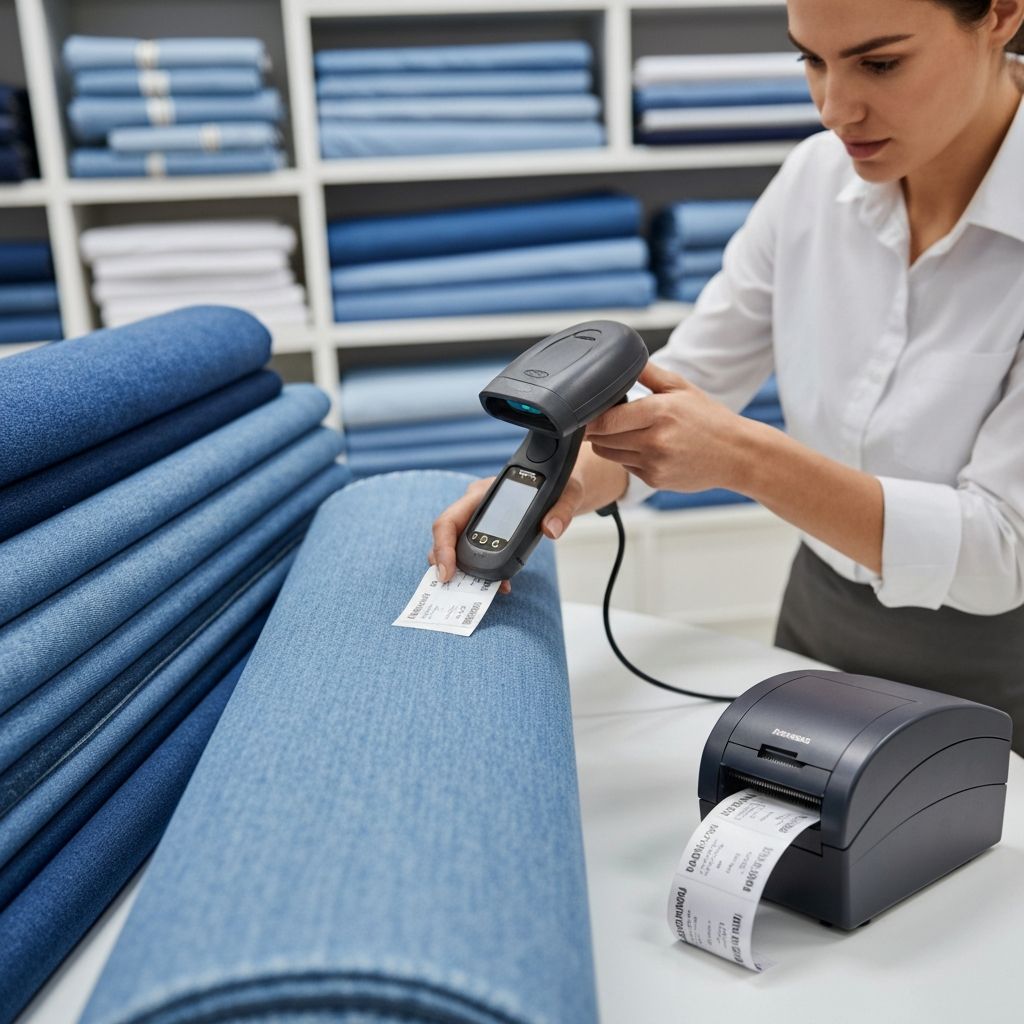
Fabric Store Use Cases
Full Feature Checklist
Barcode generation
Generate barcodes for products and variants
Sequential assignment
Auto-assign barcodes with numbering
Label printing
Product, address, and order labels
Template customization
Custom fields, logos, QR codes
Printer compatibility
Zebra, Dymo, Brother, and more
Multi-location support
Location-specific labels
Scan to adjust
Bulk counting workflow
Bolt labels
SKU, color, width, material info
Remnant labels
Length, price per yard, discounts
Kit labels
Bundle components with barcode
Real-World Fabric Store Examples
Bolt label: SKU, color, width, material composition
Remnant label: remaining length, discounted price
Kit label: all components listed with single barcode
Pick label: order details for packing team
Frequently Asked Questions
Ready to See Barcode & Label Studio in Action?
Schedule a personalized demo and see how Barcode & Label Studio can transform your fabric store operations.